
The LinkedIn MCP server for Claude, ChatGPT, Grok and more
Connect your AI assistant to We-Link over MCP and it can act on LinkedIn directly: search profiles, send connection requests, message, and read replies, all at a safe, human pace. Built for GTM engineers and anyone building workflows inside Claude, ChatGPT, Grok and any other MCP client.
# Connect We-Link as an MCP server
{
  "we-link": {
    "x-api-key": "your_api_key",
    "x-api-secret": "your_api_secret",
    "account-id": "the_linkedin_account_to_act_from"
  }
}
Your assistant reasons, We-Link acts on LinkedIn
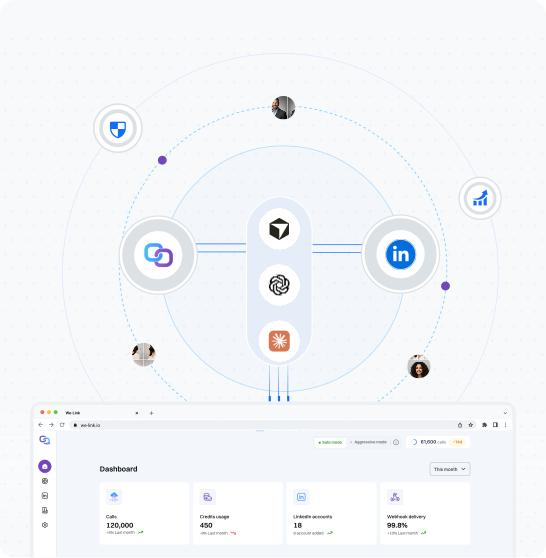
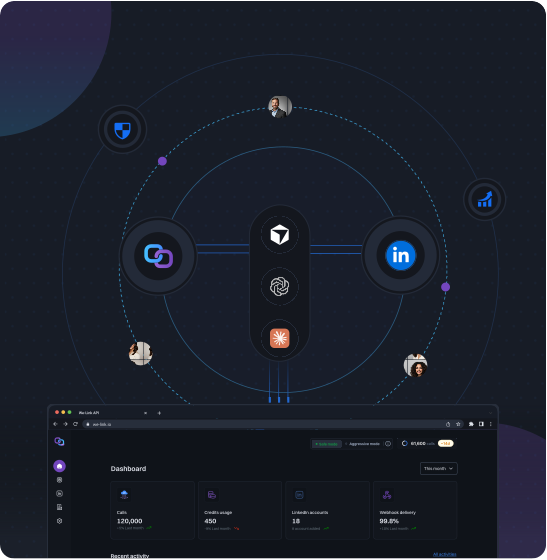
MCP is the bridge between an AI assistant and the tools it can use. Point a supported client at the We-Link MCP server, give it one LinkedIn account to act from, and your assistant can carry out real LinkedIn actions in the flow of a conversation, without you writing any integration code. Every action still runs through the same safety layer as the REST API.
Tools your assistant can call
Point Claude, ChatGPT, Grok or any other MCP client at We-Link and it can run these on LinkedIn. If you can describe it to your assistant, you can run it, no integration code. The set is growing fast, and the full REST API goes further still with 70+ endpoints across 14 groups.
Search profiles
Find people that match a role, company or location.
Get profile
Pull the full detail of a single LinkedIn profile.
Send connection request
Invite a prospect to connect, with a personalized note.
Send message
Message a connection directly from the assistant.
Get pending invites
See connection requests awaiting a response.
Get message threads
List active conversations for the account.
Get messages from thread
Read the full history of a single conversation.
My connections
Retrieve the account's existing connections.
Get posts
Fetch recent posts from a profile or company.
Like post
React to a post to keep the network warm.
Get post reactions
See who engaged with a post, and how.
Get my profileSoon
Fetch your own connected profile.
Profile viewsSoon
List the people who viewed your profile.
Connection statusSoon
Check your relationship status with a profile.
Follow or unfollowSoon
Follow or unfollow a profile.
DisconnectSoon
Remove an existing connection.
Endorse skillsSoon
List or endorse skills on a profile.
CelebrationsSoon
Fetch birthdays, work anniversaries and job changes.
Post statsPlanned
Retrieve and analyze post performance and engagement.
EventsPlanned
Work with LinkedIn events and event actions.
GroupsPlanned
Interact with and manage LinkedIn groups.
SubscriptionsPlanned
Read subscription information for an account.
RecruiterPlanned
Recruiter-specific workflows and actions.
See what people get done with it
Real plays for filling the pipeline, warming relationships and staying on top of every reply, each one just a prompt to your assistant.
Connected in three steps
Create your keys
Sign up and generate your API key and secret, then pick the LinkedIn account the assistant should act from.
Add the MCP server
Drop your credentials into your client's MCP config, one account per connection. It works with Claude, ChatGPT and Gemini.
Give it a task
Ask your assistant to find people or send a message. We-Link carries out each action at a safe, human pace.
MCP questions, answered
What is the We-Link MCP server?
It is a Model Context Protocol server that lets an AI assistant act on LinkedIn through We-Link. Once connected, your assistant can search profiles, send connection requests, message, and read replies, without any custom integration code.
Which assistants does it work with?
The MCP server works with Claude, ChatGPT, Grok and any other client that supports the Model Context Protocol, so the list keeps growing.
What credentials do I need?
An API key, an API secret, and the ID of the LinkedIn account you want the assistant to act from. Each MCP connection uses one account.
Is it safe to run automation through an assistant?
Every action runs through the same safety layer as the REST API: a dedicated, geo-matched IP, human-like pacing and automatic rate management, all kept inside LinkedIn's limits.
Can I do more than the MCP tools allow?
Yes. The MCP server exposes eleven common tools. The full REST API is much broader, with more than 70 endpoints across 14 groups.
Wire up your assistant to LinkedIn
Start free with 100 API credits, no credit card required. Connect the MCP server and give your assistant its first task.

The LinkedIn execution layer for AI agents
One API for agents to search, connect, message and engage on LinkedIn, over MCP or REST, always at a safe pace.